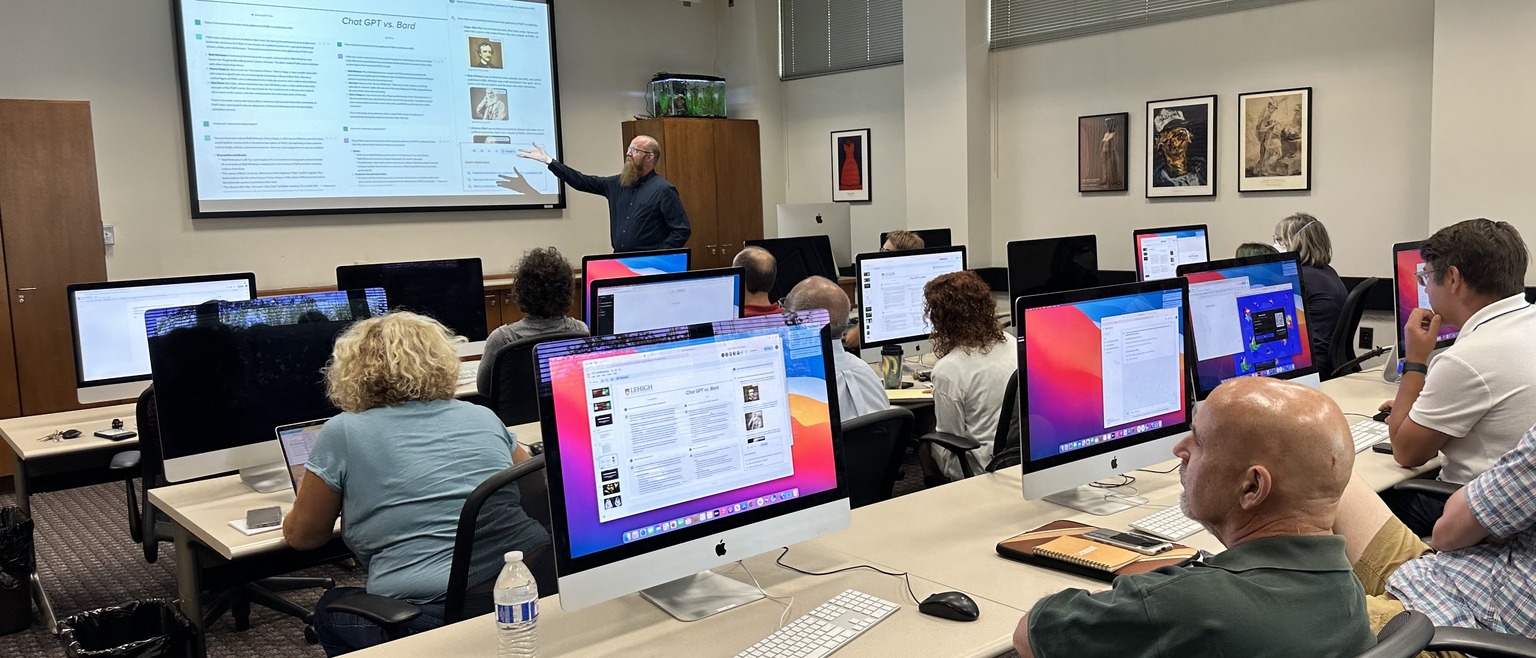
Current LTS seminars
Seminars are shown below by general category. Make sure to check out on-demand and training libraries which are available any time. How to cancel an LTS seminar.
Summer 2026 AI Seminars
NotebookLM: The AI tool for organizing and synthesizing content: July 16, 9-10am.
🆕Unlocking Claude's full toolkit: Code, Cowork, and beyond. July 20, 10-11am.
On Demand AI Seminars
Introduction to Overleaf (LaTeX) Part 1: Figures, Math, and Bibliographies: June 9, 12-1pm.
Introduction to Overleaf (LaTeX) Part 2: Tables, Lists, and Footnotes: June 10, 12-1pm.
🆕 Trello Magic: Making your to-do list disappear (by getting it done). June 16, 11am-noon.
Introduction to Dropbox: June 17, 10-11am.
🆕 Get More Out of Zotero: New and Advanced Features for Research, Literature Reviews, and Collaboration. June 23, 12-1pm.
Data and file storage strategies: June 24, 10-11am.
🆕 Making Interactive Content in H5P for Course Site: July 7, 2-3pm.
Mail merge at Lehigh: Tools for mailing to many people. July 8, 9-10am.
Qualtrics Q&A + workshop. July 8, 11am-noon.
Want to learn in the moment? Can't wait for a seminar? View our on-demand recordings of LTS seminars.
Banner admin and self-service: An Overview (view slides)
Cool customers: De-escalating difficult client conversations
Dropbox: Using Lehigh Dropbox (view slides)
Easy Accessibility: Tips for Content Creators (view slides and NVDA screen reader demo)
Email accessibility: Quick tips for inclusive email (view slides)
Getting started with Miro for whiteboarding
Google Drive: Tools for getting organized (find things faster!)
LUapps virtual applications: Powered by AWS
Safe travels: Protecting your tech and your data while travelling
Zoom and Google Calendar: Scheduling meetings made easy!
DataCamp, an online learning platform specializing in teaching data literacy for all skill levels. The platform is free to all faculty, students, and staff.
LinkedIn Learning offers thousands of video-based courses for personal and professional development, including topics such as leadership, technology, time management, social intelligence, and more.